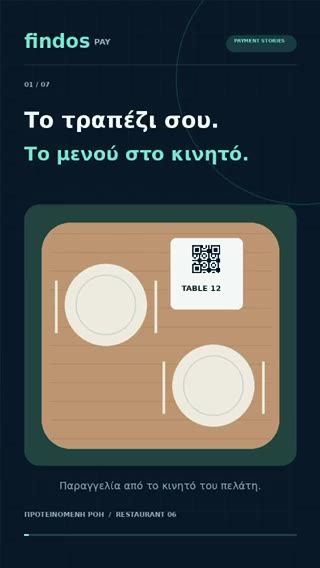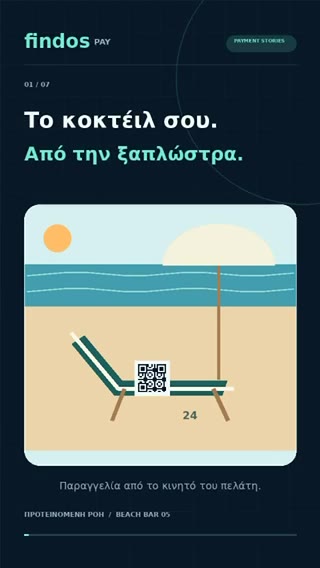
QR Pay turns any surface into a payment point: a counter sign, a table card, an invoice, a delivery note or a screen. The customer scans with the phone’s camera and the payment opens with its own reference, ready to check and approve.
Static or dynamic QR
A static QR is printed once and stays where the payment happens, such as a counter, a table or a sunbed, so every payment is matched to that place. A dynamic QR is created for one payment, such as an invoice, an order or a delivery, and carries its own amount and reference.
How it works
- The customer scans the QR code with the phone’s camera.
- The payment opens with the business, the amount and the payment reference.
- The customer chooses an available method and approves.
- The confirmation reaches the customer and the business at the same time.
What you get
- Static and dynamic QR. Fixed codes for places, one-off codes for invoices, orders and deliveries.
- Payment-specific reference. Every payment carries its own reference, so it is easy to match.
- Confirmation status. The business sees when a payment is approved, without asking for screenshots.
- Order and pay. With a digital menu, the same QR can open the menu, the basket and the payment in one journey.
Questions
Does the customer need a special app to scan?
No. The camera of a current smartphone reads the QR code and opens the payment page.
Can we start with QR and add NFC later?
Yes. The touchpoints share the same payment journey and the same merchant view, so SmartTouch™ points can be added next to existing QR codes and payment links.
Who processes the payment?
A licensed payment provider. Findos Pay is the technology and experience layer; payment execution, safeguarding and settlement stay with the relevant licensed provider under the applicable commercial setup.