A payment link is a controlled payment journey that travels: in an email, a message, an invoice or a customer portal. It carries the amount and the reference, so the customer only has to check and approve, and the business no longer chases bank transfers.
How it works
- The business creates a link with the amount and the reference (booking, invoice, order, job).
- It sends the link by email, SMS, messaging app or inside an invoice.
- The customer opens it, checks the details, chooses a method and approves.
- The business sees the link as paid.
What you get
- Prefilled payment context. Amount, business and reference are already on the page.
- Remote collection. Get paid before arrival, before delivery or after the job, wherever the customer is.
- Clear status tracking. See which links are open and which are paid.
Typical uses
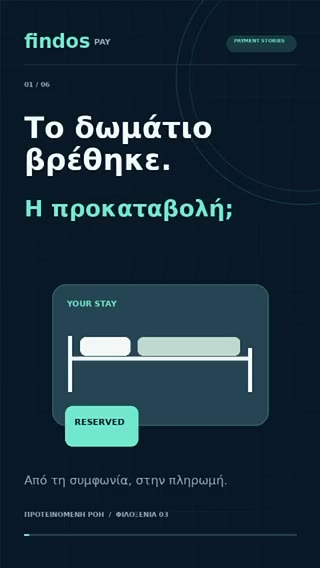
- Deposits and balances for hotel and villa bookings.
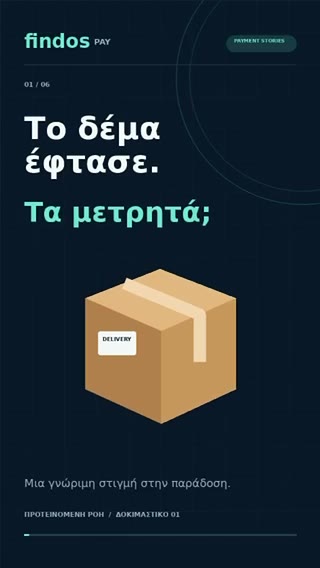
- Payment for a delivery before the courier arrives.
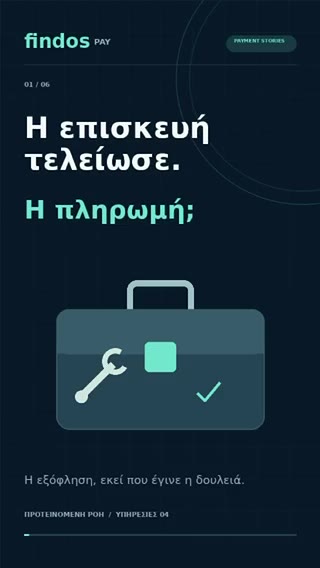
- Settlement of a repair or service after the job.
- Invoices and orders taken by phone.
Questions
Can a payment link be used for a deposit?
Yes. The link carries the amount you set, for example the deposit of a booking, and the reference that identifies it.
Does the customer need an app?
No. The journey opens as a secure web page on the customer’s phone and, where supported, continues into their existing bank or payment-provider environment.
Who processes the payment?
A licensed payment provider. Findos Pay is the technology and experience layer; payment execution, safeguarding and settlement stay with the relevant licensed provider under the applicable commercial setup.